Riley helps you automate your product images
Automated Image Editor
Performing repetitive design tasks and workflow? Automate your image edits and enhancements fully with Riley.

Professional edits on auto-pilot.
Save hours on every listing with automated image edits.
Wide range of editing options
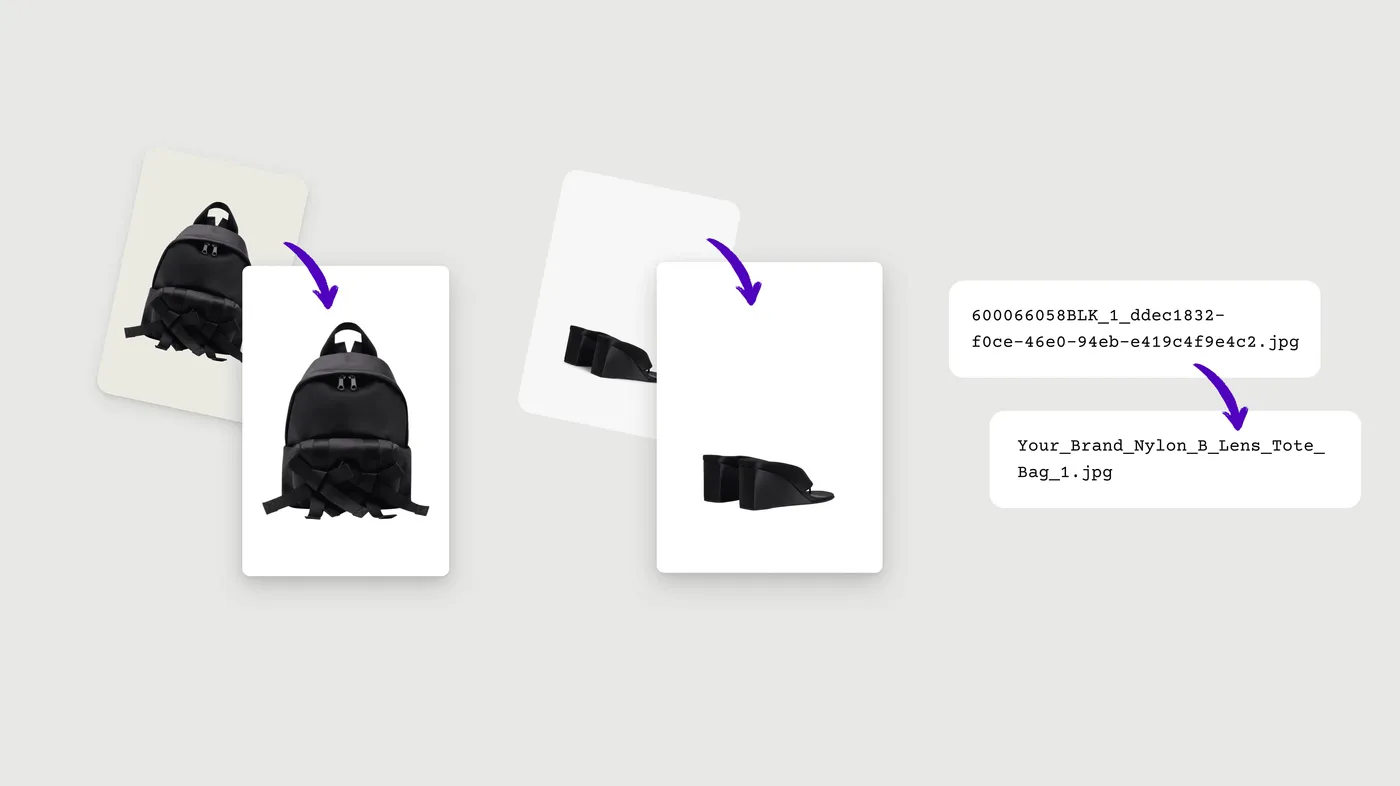
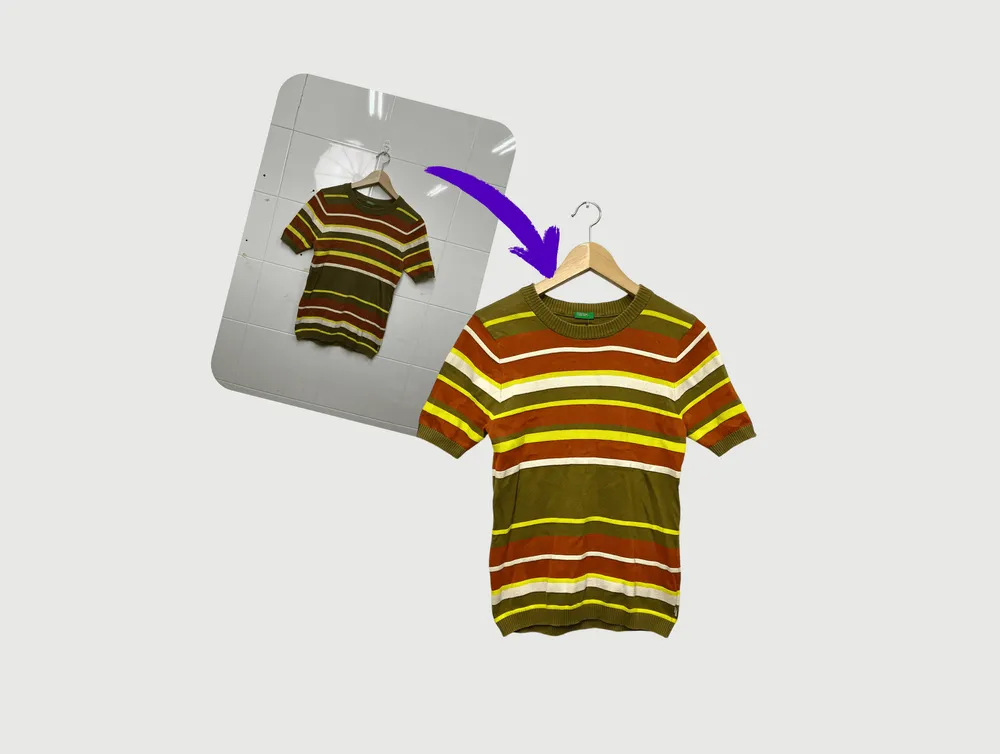
Remove background instantly, adjusting lighting and colours, or resize and reposition your product. It's all up to you.

On point, every time.
Your style guide applied to every image: same position, same margins, same feel. No more random product photos.

Set once, done forever
Riley automatically applies your image edits in your workflow while you sleep.
100%
of your hours saved
No manual interventions required.
24/7
availability
Upload your product any time and Riley edits them for you while you sleep.
Minutes
to complete
All in the background, fully automated.
Frequently Asked Questions
Everything you need to know.
How does Riley's automated image editing work?
Once connected to your Shopify store, Riley monitors for new products and automatically applies your pre-configured image editing workflows. Simply upload your raw product photos to Shopify, and Riley handles the rest — background removal, color correction, resizing, and more — all while you sleep.
Do I need any design skills to use Riley?
Not at all. Riley is designed for busy merchants, not designers. Just tell us your preferences once (preferred backgrounds, image dimensions, style guidelines), and Riley applies them consistently to every product.
What types of image edits can Riley perform?
Riley handles all essential e-commerce image edits:
Background removal and replacement
Color and lighting correction
Auto-cropping and centering
Resizing
Shadow and reflection effects
Batch watermarking
Format conversion (JPEG, PNG, WebP)
File renaming
Will my edited images look professional?
Yes. Riley uses advanced AI that matches the quality of professional photo editing services: pixel-perfect background removal, natural shadows, and consistent styling across your entire catalog.
Can I preview edits before they go live?
Absolutely. You can set Riley to "preview mode" where products with edited images are saved as drafts for your approval, or go full autopilot where images are automatically updated in your store.
Don't see what you're looking for?
Reach out to our team directly and we'll get back to you.
Get in touch